Lodge stays for remote work sound like a dream: mountain views from your desk, fresh air between meetings, and evenings by the fire instead of a commute. But there is a catch that catches out even experienced remote workers. A lodge that looks perfect for a scenic workation can turn into a productivity disaster if the Wi-Fi, workspace and basics only get checked after check-in. Lodges are built for vacationers, not for people who need to join a video call at nine sharp.
This guide walks you through everything to verify before you pay. We cover why lodges need extra vetting compared to city apartments, which internet speed and backup questions to ask a host, how to confirm the room actually has a usable workspace, and what daily logistics matter for a week-long stay. We also look at the best seasons and rates for lodge workations, the red flags that should stop a booking, and a short checklist to run through before your card leaves your wallet.
Why Lodge Stays for Remote Work Need Extra Vetting
Lodges are designed around one promise: help you switch off. That design goal works directly against a remote worker who needs to switch on every morning. Most lodge rooms are furnished for vacationers who plan to spend their days hiking, so a proper desk, an ergonomic chair and a cluster of power outlets are frequently missing. You end up balancing a laptop on a coffee table or, worse, on the edge of the bed.
The connectivity trade-off nobody mentions
The remoteness that makes lodges appealing is also what makes them risky for work. The same mountains and forests that give you the view often mean weaker broadband infrastructure and patchy mobile coverage. A lodge ten minutes from the nearest paved road may share a single internet connection across the whole property, with everyone streaming Netflix in the evening while you try to finish a call.
The stakes are higher than a bad night’s sleep. A scenic cabin that fails a video call on day one can cost you a client meeting, not just your patience. If your pitch drops out mid-presentation or your camera freezes during a negotiation, no amount of alpine charm will fix the professional damage. That is why lodge stays for remote work need a different level of scrutiny than a regular holiday booking: you are not just renting a place to relax, you are renting a temporary office, and the office equipment is rarely guaranteed.
Internet Speed and Backup Connectivity Checks
Internet is the single biggest point of failure for a lodge workation, so treat it as your first screening question. Message the host before booking and ask for a recent speed test result, ideally a screenshot taken within the last few weeks. Aim for at least 10 Mbps upload for stable video calls, since upload speed is what carries your camera and microphone, not the download speed hosts love to quote. A connection that downloads movies smoothly can still stutter badly on a video call.
Next, ask what kind of connection the lodge actually has. Fiber delivers consistent speeds in almost any weather, while satellite connections often drop during storms, heavy rain or snowfall, which is exactly the weather you might get in the mountains. If the answer is satellite, weigh how critical your calls are against the forecast for your stay.
Your backup plan matters as much as the primary connection. Check mobile coverage maps for the lodge’s exact location, not just the nearest village, and confirm your hotspot works there. A mobile signal booster or hotspot plan is a common backup in remote lodge areas, so ask the host whether one exists on site.
Finally, run through these questions with the host:
- Router location: ask whether the router sits in your room or in a shared lounge far from it, because a signal that crosses two stone walls and a corridor can lose half its strength before it reaches your laptop.
- Shared bandwidth: find out how many rooms or cabins share the same connection, since a single line split across a full lodge slows to a crawl every evening.
- Power cut behavior: ask whether the router and internet have battery backup during outages, which are more common in remote areas than hosts admit.
- Peak-hour performance: request a speed test taken in the evening rather than midday, when the difference between the two results tells you what your workday afternoons will really look like.
Workspace and Comfort Inside the Room
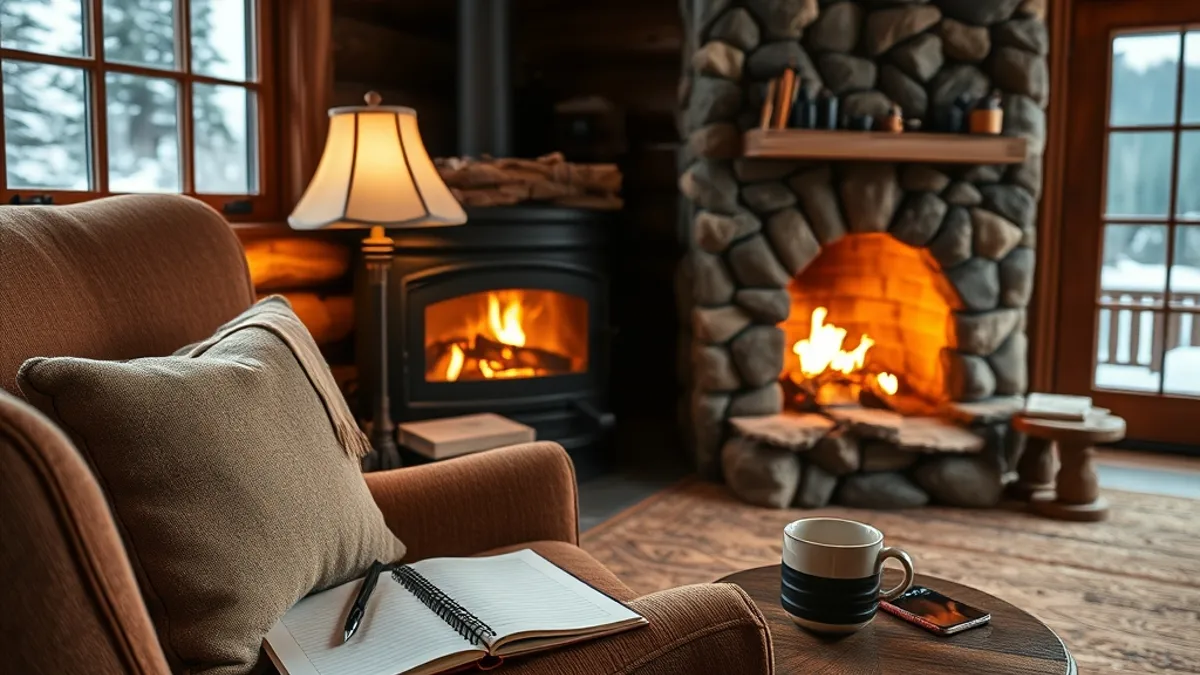
A great connection means nothing if your body gives up before your laptop does. Ask the host to send photos of the actual desk area in your room, not the lodge’s nicest lounge. Many listings show a beautiful common workspace that turns out to be shared with every other guest, or a desk that exists only in the marketing photos. While you are at it, confirm at least two power outlets within reach of that desk, because a laptop charger, a phone cable and a second monitor will not share one socket gracefully.
The chair deserves its own question. Check whether the room has a real desk chair or a decorative armchair you will hate by week two. An upholstered armchair looks charming in photos but wrecks your back after a two-hour call, and remote lodges rarely have spares you can swap in.
Comfort basics also differ from city rentals. Ask about heating or cooling in the room itself, since many lodges only heat common areas and let individual rooms run cold at night. Then confirm the noise situation around your workspace:
- Quiet hours: ask what time the lodge enforces them and whether they apply to the terrace and bar area, where conversations often continue well past the official cutoff.
- Room position: check whether your room faces a bar, dining hall or parking lot, because a workspace window over the evening crowd turns every call into a noise-management exercise.
- Room insulation: ask whether walls and floors are thin timber construction, since footsteps from the room above can sound like a drum solo on a video call.
- Housekeeping timing: find out when cleaning happens each day so you can plan calls around vacuum noise and corridor chatter rather than discovering it mid-meeting.
Location, Access and Daily Logistics
Remote lodges sell you silence, but that same remoteness turns everyday errands into half-day projects. Before you book, find out exactly where the nearest town with a grocery store or pharmacy sits on the map. At many remote lodges, that drive takes 20-60 minutes each way, which matters a lot when you only have evenings and weekends to stock up. Ask the host how often they make the trip themselves, since staff runs can sometimes save you an hour behind the wheel.
Winter access deserves its own question in your pre-booking messages. Some mountain lodges sit on roads that require snow chains in cold months, and a few are only reachable by the lodge’s own shuttle once the snow settles. If you will have a rental car, ask whether chains are mandatory and whether the lodge can arrange pickup from the nearest hub if driving gets risky. Also confirm where you would park, because some lodges keep lots at the bottom of a steep, unplowed track.
Finally, match the logistics to the length of your stay. A minimum stay of 5-7 nights is typical for remote-work lodge bookings, which is long enough that small gaps in daily life become real annoyances. Cover the unglamorous basics before you pay:
- Laundry: a week-long work stay generates real laundry, so ask whether the lodge has guest laundry facilities and whether they are free, coin-operated or a paid service handled by staff.
- Meal options in low season: some lodge restaurants close entirely on weekdays outside peak periods, so confirm whether you get breakfast, an on-site dinner alternative, or a kitchen you can cook in yourself.
- Self-catering basics: if there is a kitchenette, ask whether it includes a real fridge and basic cookware, since a kettle and two mugs will not carry you through a week.
- Resupply rhythm: plan your grocery runs around your work calendar, because a 40-minute drive to town is not something you want to squeeze between two video calls.
When to Book: Seasons and Rates for Lodge Workations
Timing changes both the price and the feel of a lodge workation. For the June-September peak, book 2-3 months ahead. Lodge rates in that window often peak at roughly $200-350 per night, and the most work-friendly rooms — the quiet ones with a decent desk — tend to get claimed first by vacationing families.
Shoulder months are where remote workers quietly win. May, late September and October typically bring rates 20-40% lower than peak, and the lodge itself is calmer: fewer kids in the dining hall, easier conversations with staff, and common spaces you can actually use as a second workspace. Late September in mountain regions often still offers good weather, so you rarely sacrifice much scenery for the savings.
Minimum stays and discounts
Many lodges expect a minimum stay of 5-7 nights, especially outside high season. For a proper work block that is a feature, not a hurdle — it takes a few days to settle into a routine anyway. Once you know your dates, ask directly about weekly or monthly discounts. Long-stay pricing of 10-20% off the nightly rate is common, and hosts are often more flexible about it in shoulder months when occupancy is thinner. Get the discount confirmed in writing before you pay, not after arrival.
Red Flags to Spot Before You Pay
Most bad lodge workations were avoidable at the booking stage. The warning signs usually show up in the listing itself and in how the host answers your questions, so read both with a skeptical eye. A lodge can look stunning in photos and still be useless for a two-week work block, and the gaps are easy to spot once you know what to look for.
Start with the listing. If there are no photos of a desk, no mention of a speed test and no details about mobile coverage, the host is probably not thinking about workers at all — which means nobody has verified that the setup actually works. Reviews are your second filter: comments that praise the lodge as “great for a weekend” but say nothing about longer stays tell you guests were out hiking all day and never tested the Wi-Fi under real working conditions.
- Vague answers on speed: if you ask for measured numbers and get “Wi-Fi works fine” with no Mbps figure, treat it as a red flag — hosts who have actually run a speed test usually share it proudly.
- Tight cancellation terms: a free cancellation window shorter than 7 days is risky when connectivity is unverified, because you may need to bail after your first failed video call on day one.
- Reviews from workers, if you can find them: search guest reviews for words like “working”, “remote” or “Zoom” — even one detailed account of a multi-week stay is worth more than a dozen honeymoon reviews.
- Season mismatch: a glowing review from August says little about how the lodge performs in October, when the restaurant may close on weekdays and the terrace office disappears.
One useful shortcut is reading a detailed write-up of a lodge before you commit. A thorough review such as this Morino Lodge Hakuba review shows the kind of practical questions worth asking any host: connectivity, room setup, meals and how the place actually feels over a longer stay.
Your Pre-Booking Checklist in Short
The most photogenic lodge on your shortlist can still become a productivity trap if the Wi-Fi, workspace and basics only get checked after check-in. The fix is simple: verify everything before you pay. Ask for a measured upload speed of at least 10 Mbps, confirm a real desk with two power outlets, and make sure a mobile hotspot works as your backup connection.
Then sort out the practical side. Book 2-3 months ahead if you want the June-September peak, or aim for shoulder months like May, late September and October to save 20-40% on rates. Check road access, laundry options and meal availability, especially if you are staying the typical 5-7 nights or longer. Run through these points once, and your lodge stay becomes a productive block of work with a view instead of a stressful scramble. If this checklist helped you, share it or leave a comment below.