You booked a room described as “work-friendly,” only to arrive and find a desk the size of a nightstand, a business center that’s been out of paper since last week, and a lounge you can’t access without paying extra. If this sounds familiar, you’re not alone. Business hotel amenities are often listed on booking sites in vague terms, and the reality behind the photos can be very different from what you imagined when you packed your laptop.
This guide breaks down what those amenities actually include, so you know what to check before you book. We’ll cover the in-room work desk and what makes one genuinely usable, the Wi-Fi speeds and printing access you should expect, and whether an executive lounge upgrade is worth the money. We’ll also look at meeting rooms for group work and share a simple approach to choosing a business hotel for your next trip, so getting work done on the road stops being a gamble.
What Business Hotel Amenities Actually Include
When a hotel calls itself a business hotel, it is promising more than a desk squeezed between the wardrobe and the window. The core package usually includes four things: a proper in-room workspace with a real chair, fast and reliable Wi-Fi, some way to print or copy documents, and a dedicated business center or lounge where you can work outside your room. If any one of those is missing, the “business” label starts to feel like marketing rather than a genuine service.
On top of that core set, most business hotels add a second layer of practical extras. These are the things that matter when your schedule is dictated by flights and client meetings rather than by breakfast hours.
The secondary extras that make a real difference
Meeting rooms you can book by the hour, late checkout when your flight leaves in the evening, express laundry for a suit that needs to be presentable by morning, and a 24-hour reception desk for those 5 a.m. departures or midnight arrivals. None of these are glamorous, but they are often the reason a frequent traveler keeps rebooking the same property. A hotel that can check you in at 1 a.m. without fuss has already solved half the problems of a business trip.
Business hotel versus regular hotel with a corner desk
Plenty of regular hotels now put a small desk in every room, and on paper that looks similar. The difference is intent. In a purpose-built business hotel, the room is designed around the workspace: the desk sits in a sensible spot, the lighting and power placement follow from it, and the rest of the property assumes guests will be working. In a standard hotel, the desk is often an afterthought, added to the room list without much thought about how anyone would actually use it.
That distinction also shows up in the shared spaces. A regular hotel may have a quiet corner with two armchairs, while a business hotel invests in a proper lounge or business center with staff, printers and enough seating that you will not be fighting for a power socket at 8 a.m. Before you book, it pays to work out which type you are actually looking at, because the price difference is usually justified by exactly this gap.
The In-Room Work Desk: What to Check Before You Book
The in-room desk is the amenity you’ll actually use most on a business trip, yet it’s the one hotels photograph least. Many standard rooms include nothing more than a narrow vanity shelf or a writing table barely deep enough for a laptop and a coffee cup. Before booking, zoom into the room photos and look for a proper work surface at least 60-80 cm wide, paired with a real office chair that swivels and adjusts.
The chair matters more than most travelers expect. A dining chair or a padded vanity stool is fine for ten minutes of email, but after a two-hour video call your back will tell the difference. Business-focused hotels typically specify ergonomically adjustable chairs; if the listing doesn’t say, check guest reviews or email the hotel directly and ask.
Layout is the detail that photos often hide. A desk pushed against a wall gives you a natural place to prop up documents and focus, while a desk facing a bed can feel awkward and poorly lit. Here’s what to verify before you commit to a booking:
- Desk-level power and USB ports: outlets at the work surface mean you’re not crawling behind furniture to plug in; room photo galleries and amenity lists usually show whether they exist.
- Task lighting: an adjustable desk lamp lets you work into the evening without relying on harsh overhead lights or straining your eyes in dim ambient lighting.
- Window placement: a desk near a window gives you daylight and a view during the day, which makes long working sessions noticeably less draining than staring at a blank wall.
- Desk orientation: ask whether the desk faces a wall or sits against a bed layout, since the same room category can vary between floors and the wall version is far more usable.
Wi-Fi, Printing and Business Centres
Wi-Fi is the amenity that makes or breaks a business hotel stay. For stable video calls, target 50-100 Mbps as your realistic minimum; anything slower tends to stutter the moment your meeting runs over a shared connection. The catch is that marketing copy on the booking page tells you nothing useful, so scan recent guest reviews for actual speed tests and complaints about dropped calls instead.
Printing is the second thing to pin down before you arrive. Most business hotels give guests a free printing allowance, typically 10-20 pages per day, which covers boarding passes and a short contract. Larger jobs usually get charged per page, so if you need to print a full deck or a stack of handouts, ask about the per-page rate at check-in rather than discovering it on your folio later.
This is where a staffed business center earns its keep. Beyond printing, a good one offers scanning, copying and sometimes laptop loaners if your own machine fails mid-trip. A staffed center also means someone can help when the printer jams five minutes before your deadline, which a self-service kiosk in a dark corridor cannot do.
Hours matter as much as equipment. If you are working across time zones, 24-hour access is the difference between sending a document at 3 am and waiting for reception to open. Some business centers simply close when the front desk does, so confirm access hours before booking if you work odd hours.
- Ask how Wi-Fi is delivered: hotels with dedicated business-grade lines and wired connections in the business center handle video calls far better than those relying on a single shared router for the whole building.
- Check whether scanning is included or charged: some hotels count scans toward your free printing allowance, while others bill each document separately.
- Confirm who staffs the center: a trained attendant can format documents, send faxes and troubleshoot; an unstaffed room with machines is only useful when everything works.
- Find out if after-hours access needs a key card: some hotels let guests into the business center overnight with their room key, others lock it completely.
- Balance the tech against the setting: a resort property may have modest business facilities but compensate with a far better work environment, as you can see in this review of a hotel in Oia, Greece.
Executive Lounges: Are They Worth the Upgrade?
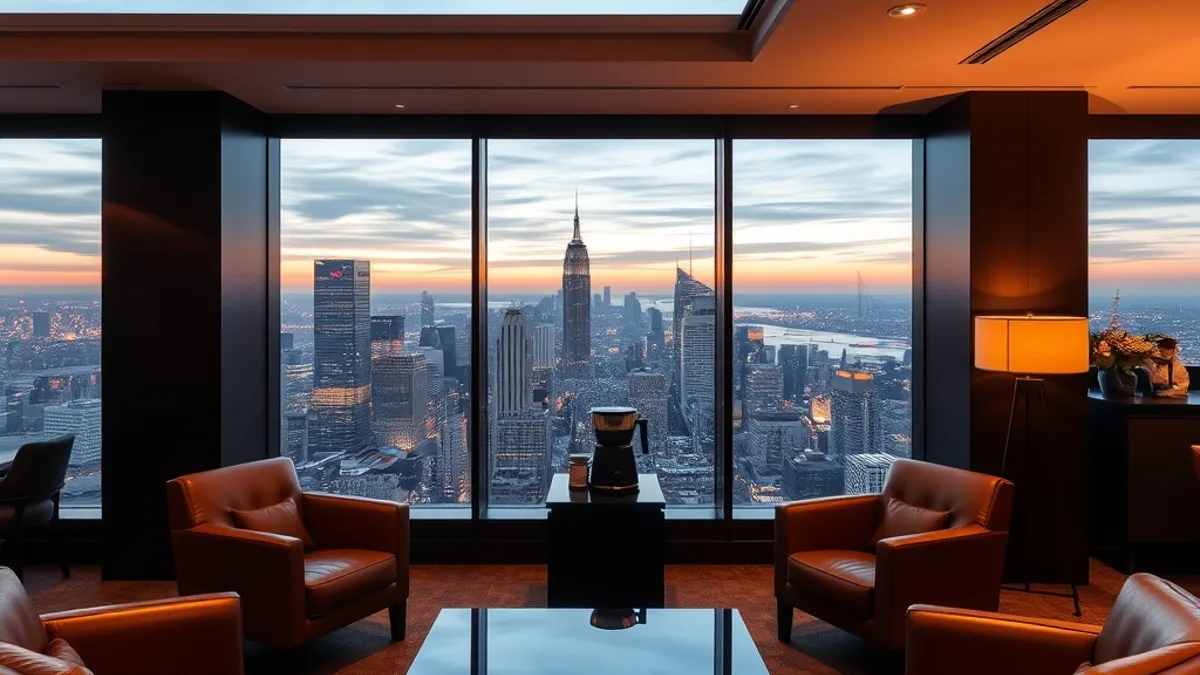
Executive lounges are the feature most business travelers wonder about, because the price gap is visible at checkout: lounge access typically adds 30-80 USD per night unless it comes bundled with a club-level room rate. That is a real cost, so the question is whether you will actually use what the lounge offers.
The value case is straightforward. A club lounge usually combines several things you would otherwise pay for or hunt down separately: breakfast, a quiet place to work, a spot for an informal coffee meeting, and reliable Wi-Fi. For a traveler running back-to-back appointments, having all of that on one floor can save time and a fair amount of money on restaurant breakfasts.
Hours and what to expect
Club lounges typically open around 6:30-7:00 am and close between 10:00 and 11:00 pm, which covers the main touchpoints of a workday: breakfast, afternoon snacks and coffee, and evening drinks with light bites. Some lounges also offer honor bars or evening canapés substantial enough to replace dinner after a heavy client meal.
On the other hand, skip the upgrade if you only need a bed. On short stays, a solid in-room desk and good Wi-Fi may be all the workspace you require, and hotel restaurants or the lobby can cover coffee and breakfast. Be honest about your schedule: if you will be out of the hotel from breakfast until late, the lounge fee is money spent on a room you never sit in.
Meeting Rooms and Group Facilities
If you need more than a desk for two, most city business hotels rent meeting rooms, typically for 100-400 USD per half day depending on size, location and demand. That range covers everything from a small boardroom to a training-style room, so it pays to match the space to the actual headcount rather than defaulting to the largest option.
Before you commit, ask exactly what is included in the rental, because the base price often covers little more than the room itself. Items that seem standard are sometimes billed as extras, and a missing cable or coffee service can derail a morning session. A useful checklist to run through with the events team:
- Projector or screen: confirm the connection types available, since some meeting rooms still lack modern HDMI or wireless casting, and adapters may cost extra.
- Whiteboard and markers: small but frequently forgotten; a flip chart is a useful substitute if the room has none.
- Water service: check whether bottled water or a dispenser for attendees is part of the package or an added charge.
- Catering options: ask about coffee breaks and lunch packages, including lead times for ordering, since some kitchens require a day or more of notice.
Smaller boardrooms are well suited to interviews, one-on-one client calls or small negotiations, and they are usually the first to sell out when conference season hits. In busy periods, book one to two weeks ahead rather than assuming same-day availability. If your needs are casual, remember that many business hotels maintain a free co-working corner in the lobby with comfortable seating and power outlets, which can work well for informal meetings at no cost at all.
How to Choose a Business Hotel for Your Next Trip
With hundreds of listings promising “business-friendly” rooms, choosing the right hotel comes down to verifying a few specific details rather than trusting marketing labels. Many properties use the phrase loosely, and it can describe anything from a purpose-built workspace to a vanity table posing as a desk. A short, methodical check before booking will save you from arriving to find that the “business center” is a computer in a corner and the Wi-Fi buckles the moment someone starts a video call.
- Filter by business facilities. Most booking sites let you filter for “business facilities”, then narrow further by reviews mentioning the desk, the chair and the actual Wi-Fi speed. Recent guest reviews are far more reliable than hotel photos, which rarely show the office chair that matters most.
- Prioritize location. A hotel near your meeting venue, or one offering a direct airport transfer, can save an hour or more of commuting per day. In large cities this matters more than an extra amenity; a review of a hotel such as The Peninsula Tokyo, a luxury hotel with strong business facilities in central Tokyo, shows how location and work-friendly amenities support each other in practice.
- Time your booking. Book two to four weeks ahead if you travel during the peak business months of September-November and March-May, when the most work-friendly rooms tend to sell out first.
- Run the lounge math. Compare the cost of a lounge upgrade against what you would otherwise pay separately for breakfast, coffee meetings and a quiet workspace during your stay.
Work through these steps in order and the shortlist shrinks quickly. Cross off any hotel that fails the desk, Wi-Fi or location test, no matter how polished its website looks. Ten minutes of checking before you book usually makes the difference between a productive trip and one spent hunting for an outlet in the lobby.
Wrapping Up: Getting Work Done on the Road
Most business travelers have been there: the booking page promised a work-friendly room, but the reality was a narrow vanity table, patchy Wi-Fi and a business center that closed before dinner. The good news is that this disappointment is almost entirely avoidable with a few minutes of checking before you pay.
Business hotel amenities come down to four pillars: a proper desk, reliable Wi-Fi, printing access and lounge availability. Verify the desk is at least 60-80 cm wide with a real office chair, confirm Wi-Fi speeds in the 50-100 Mbps range through recent guest reviews, and check lounge hours against your working schedule. If your trip lines up with the busiest stretches for corporate travel, when work-friendly rooms tend to disappear first, reserving well in advance gives you the widest choice of rooms with genuine work setups. Do that, and your hotel room becomes a genuine office instead of a gamble. If this helped you plan your next trip, leave a comment or share the article with a colleague who travels for work.